The End of Media Queries? Introduction to Container Queries
Media queries respond to the viewport. Container queries respond to the parent container.
Open in
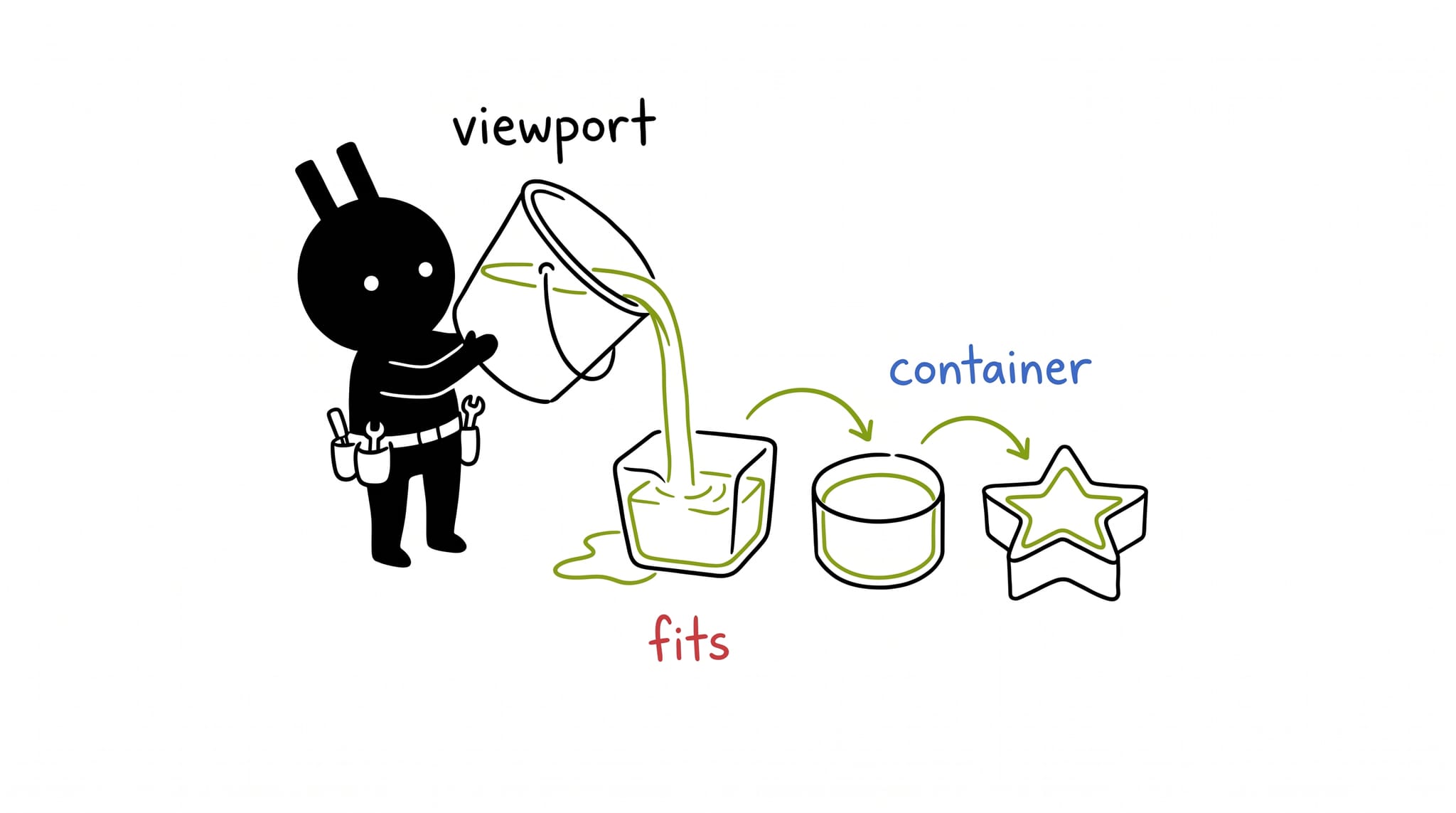
Media queries respond to the viewport. A card inside a 200px sidebar on a 4K monitor still sees a 4K screen.
@media (min-width: 768px) {
  .card {
    display: flex;
  }
}
This works for page layouts. For component libraries, the component has no way to know how much space it has.
The problem: context awareness
Imagine a “Product Card” component.
- On the homepage, it occupies the full width. Simple.
- In a sidebar, it’s squeezed into a narrow column.
- Inside a dashboard widget, it’s medium-sized.
If you rely on @media queries, the card only knows how wide the screen is. It has no idea it’s squished inside a tiny sidebar on a massive 4k monitor.
The solution: container queries
Container Queries allow us to style an element based on the available space within its container, not the viewport.
Step 1: define the container
First, you tell the parent element that it is a container.
.card-wrapper {
  /* Define this element as a query container */
  container-type: inline-size;
  container-name: card-container;
}
container-type: inline-size: We want to query the width (most common).container-name: card-container: Optional, but good practice. It allows us to target this specific container explicitly.
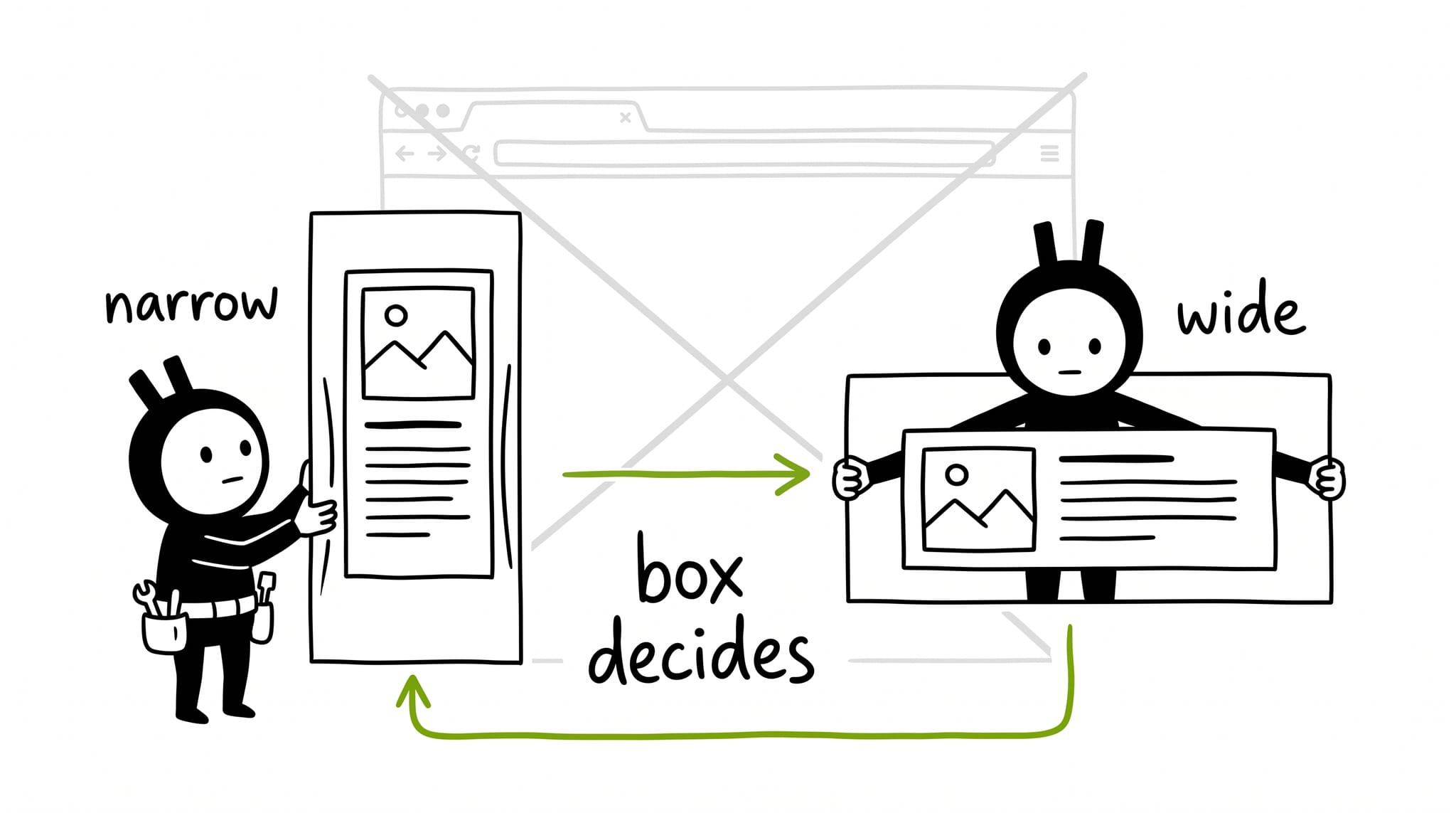
Step 2: query the container
Now, inside your component, you query that container.
.card {
  display: flex;
  flex-direction: column;
}

/* When the container is wider than 400px */
@container card-container (min-width: 400px) {
  .card {
    flex-direction: row; /* Switch to horizontal layout */
    align-items: center;
  }

  .card-image {
    width: 50%;
  }
}
Try it below. Drag the corner of the demo box and watch the same card flip between its stacked and side-by-side layouts. Your viewport never changes, only the container does.
Prefer to poke at the code yourself? Edit the CSS below, press Apply, then drag the preview’s edge. The card flips layouts while your viewport never moves.
<div class="demo-stage">
  <article class="card">
    <div class="card-image" aria-hidden="true"></div>
    <div class="card-body">
      <h3 class="card-title">Trailhead Backpack</h3>
      <p class="card-text">40L, weatherproof, lifetime repairs.</p>
      <p class="card-price">$129</p>
    </div>
  </article>
</div>.demo-stage {
container-type: inline-size;
container-name: demo;
background: #f5f5f5;
padding: 1rem;
border-radius: 0.75rem;
}
.card {
display: flex;
flex-direction: column;
gap: 1rem;
background: #fff;
border: 1px solid #e5e5e5;
border-radius: 0.75rem;
padding: 1rem;
}
.card-image {
min-height: 120px;
border-radius: 0.5rem;
background: linear-gradient(135deg, #84cc16, #15803d);
}
.card-title {
margin: 0;
font-size: 1.1rem;
}
.card-text {
margin: 0.25rem 0;
color: #525252;
}
.card-price {
margin: 0;
font-weight: 700;
}
@container demo (min-width: 400px) {
.card {
flex-direction: row;
align-items: center;
}
.card-image {
width: 40%;
align-self: stretch;
}
}New units: the “fluid” typography dream
Container Queries brought new CSS units that are relative to the container’s size, similar to how vw is relative to the viewport.
cqw: 1% of a query container’s widthcqi: 1% of a query container’s inline size (logical width)cqh: 1% of a query container’s heightcqmin/cqmax: Smaller/Larger of cqi and cqb
This is perfect for fluid typography that scales with the component, not the screen.
.card-title {
  /* Title is always 5% of the card's width */
  font-size: 5cqi;
}
Advanced: style queries (experimental)
We can also query the computed style of a container, not only its size.
@container style(--theme: dark) {
  .card {
    background: black;
    color: white;
  }
}
Note: Style queries have varying browser support compared to Size queries.
Implementation strategy
Container Queries let components own their breakpoints.
- True Portability: You can drag-and-drop that
.cardinto a 3-column grid, a sidebar, or a modal. It will “look at itself”, realize how much space it has, and adapt automatically. - Decoupling: The page layout developer doesn’t need to know the inner breakpoints of the card.
Browser support
As of 2026, Container Queries (@container) and units (cqi/cqw) are supported in all major evergreen browsers (Chrome, Firefox, Safari, Edge).
Conclusion
Media queries still work for global page layouts. For individual UI elements, Container Queries are the better tool. They respond to available space, not screen dimensions.